
Return & Refund Alerts
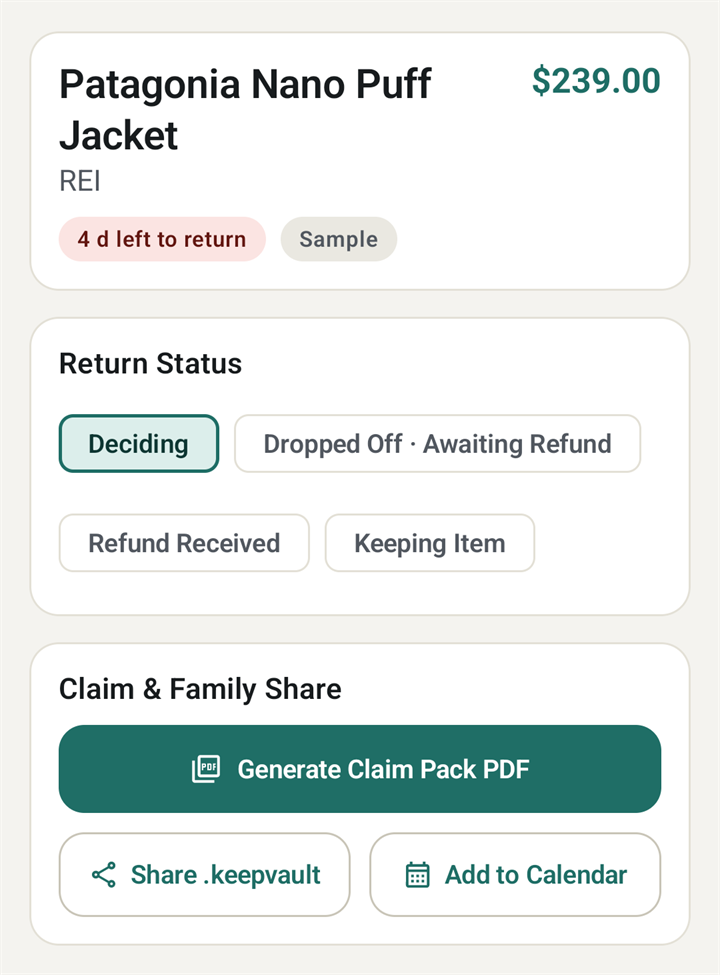
Count down the days left to return an item. You can also mark items you dropped off so you remember to check that your money came back.
Paper receipts fade and get lost. KeepProof keeps your receipts, return dates, and warranty info safe right on your Android phone. No account, no ads, and no snooping.
Store receipts fade fast, and return deadlines sneak up on you. KeepProof helps you stay on top of every purchase in just a few taps.
Count down the days left to return an item. You can also mark items you dropped off so you remember to check that your money came back.
Take a clear picture of your receipt or pick a screenshot. KeepProof reads the text on your phone, and you can tap right on the words in the photo to fill in the store, date, or price.
Need to file a warranty or insurance claim? Make a neat PDF in one tap with the store name, price, serial number, and receipt photos all together.
Your data belongs to you. Save a portable .keepvault backup file anytime to move your items to a new phone or share an item card with family.
Everything is one scroll away. No clutter, no confusing menus, and no pop-up ads.
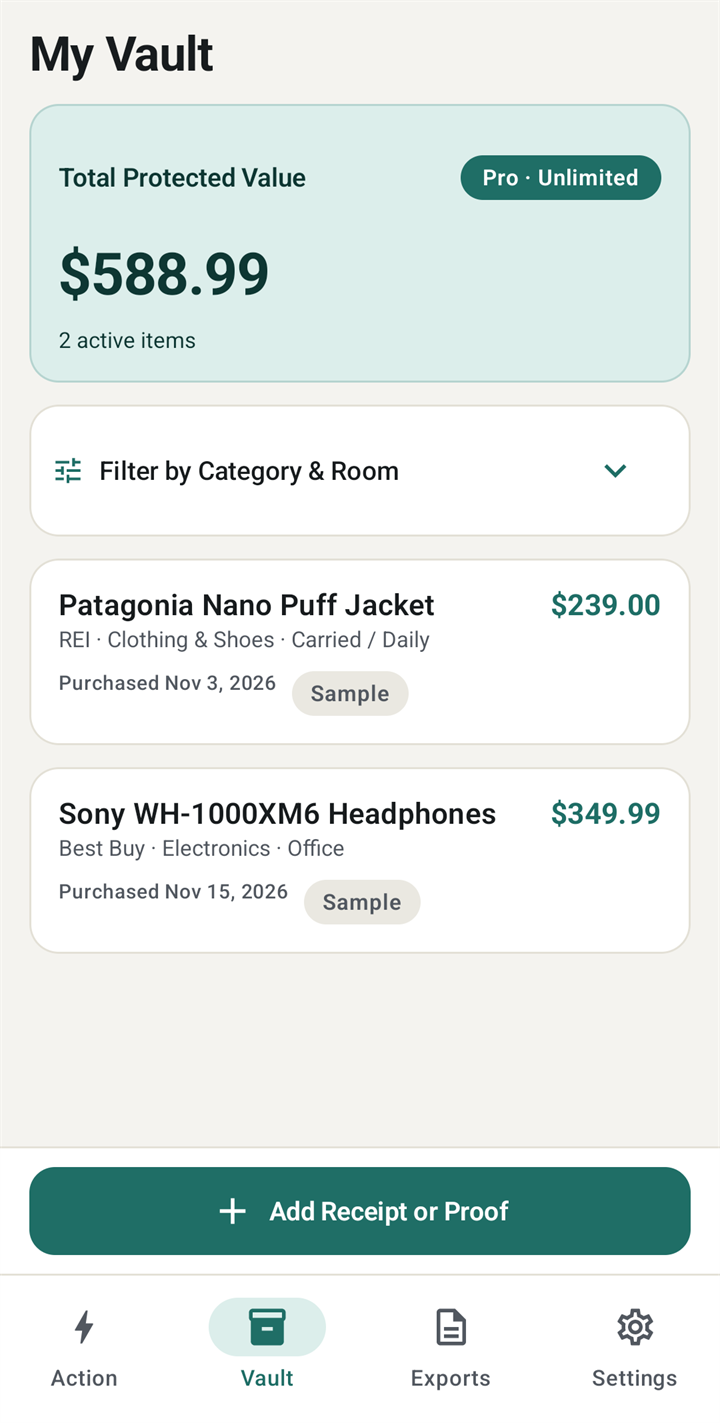
On the Free plan, you can always look at your saved items, make Claim Pack PDFs, and back up your vault. Upgrade to KeepProof Pro only if you want unlimited items and extra tools.
Pay month by month. Cancel anytime in Google Play.
Starts with a 7-day free trial. Works out to $1.67 per month.
Pay once and keep Pro features unlocked on your Google account.
| What You Get | Free Plan | KeepProof Pro |
|---|---|---|
| Saved Items in Your Vault | Up to 15 active items | Unlimited items & photos |
| Receipt Scanner & Tap-Words Picker | Included | Included |
| One-Item Claim Pack PDF & Family Share | Included | Included |
Save & Restore .keepvault Backups |
Included | Included |
| Add Deadlines to Phone Calendar | Included | Included |
| Reminder Notifications | Standard alerts (3d & 1d before return, 14d before warranty) | Pick your own alert schedule & reminder time |
| Automatic Google Drive Backup | Manual local backup only | Auto-backup to your own Google Drive |
| Full Home Insurance PDF & Tax Spreadsheet | Page 1 preview | Full multi-page PDF & CSV file |
| Home Screen Countdown Widgets | Not included | 2 home screen widgets |
| Fingerprint / Face App Lock | Not included | Included |
Quick answers about privacy, moving to a new phone, and billing.
No. KeepProof has no user accounts and no company servers holding your receipts. Your photos, prices, stores, and serial numbers stay right on your phone.
KeepProof uses your phone’s built-in scanner and photo picker, so it never needs full access to your camera or all your personal photos. It only asks to send notifications if you want deadline reminders.
Nothing gets deleted. You can still view, export, and back up every single item you saved. Reminder alerts stay active on your 15 most urgent or recent items, and adding new items pauses until you archive older items or rejoin Pro.
Open the Exports tab and tap Export Full Backup (.keepvault). Save that file to your Downloads or Google Drive, then open KeepProof on your new phone and tap Restore from .keepvault.
All payments go through Google Play. The Yearly plan ($19.99/year) starts with a 7-day free trial. You can cancel anytime in the Google Play Store → Payments & subscriptions → Subscriptions before the trial or billing period ends.
KeepProof is built as a 100% local-first Android app (Kotlin, Jetpack Compose Material 3, compile/target SDK 36, min SDK 26):
app_database.db), and receipt/product images live in internal app storage (files/attachments/) referenced by relative filename only.16.0.0), Text Recognition (16.0.1) with line bounding-box coordinates for interactive tap-to-fill selection, and Barcode Scanning (17.3.0), plus Android’s system Photo Picker.CAMERA, READ_EXTERNAL_STORAGE, WRITE_EXTERNAL_STORAGE, SCHEDULE_EXACT_ALARM, or AD_ID. Uses WorkManager for 12-hour reminder checks, optional runtime POST_NOTIFICATIONS, optional USE_BIOMETRIC, and INTERNET strictly for Google Play Billing v8 / RevenueCat and optional user-initiated Google Drive appDataFolder backups..keepvault backups are standard ZIP files containing manifest.json, vault_data.json, and attachments verified by SHA-256 checksums.